Add a Schematron validation configuration
You can use Schematron to validate XML when your validation rules go beyond what an XML Schema (XSD) can easily express. For example, business rules involve relationships between elements that are difficult or impossible to express in XSD. Schematron can fill that gap.
 Tips and tricks
XML Schema (XSD) and DTDs are excellent for validating if the XML is shaped correctly:
Element and attribute names
Data types (string, date, integer, etc.)
Required vs. optional elements
Parent/child structure
Cardinality (e.g., "must have at least one Address")
- Schematron can handle more complex rules such as:
- Comparing values in different parts of a document
- Conditional requirements
- Cross-field dependencies
- Schematron uses XPath expressions to check assertions about the XML document.
- To learn more about Schematron, visit their website at: https://schematron.com/.

 Before you begin
- Inspire does not provide any Schematron files. You must create these yourself. For more information, refer to the Schematron website: https://schematron.com/.
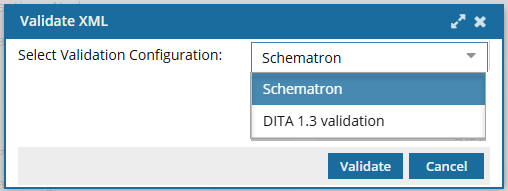
- After you create a Validation Configuration for Schematron, users can select it when validating a component from the Components browser or a project.
- You can create as many Validation Configurations for Schematron as you need.
 Ready to get started?