Import an image
When working in the Oxygen-based editor, before you can insert an image into a topic, you must import it into Inspire. Keep in mind that you can also drag a file from a file explorer window directly into your topic.
 Tips and tricks
 You can import a PDF file the same as you would an image, and it's stored as a binary file.
If you don't want to import an image first, there are a few different ways you can get an external image into a topic:
- Specify the address where it's located using a URL. Use this method if you don't want to import it into Inspire. Follow the steps in Insert an external image.
- Copy an image from your desktop and paste it directly into an Oxygen topic. This imports the file into the same folder as the component. Follow the steps in Copy and paste an external image.
- Use drag-and-drop to add and import. Follow the steps in Drag and drop an image into a document.

 Before you begin
- Make sure you understand the rules, restrictions, and supported file types before you import content.
To import an image:
-
From the top menu, click
 Components.
-
On the Open dialog, locate the image, click it, and then click Open.
 Oxygen supports the following formats:
- EPS (The Encapsulated Post Script graphic only displays in Oxygen when the graphic was created with a preview in the source application. For example, Adobe Illustrator.)
- BMP
- GIF (animations not supported yet)
- JPG, JPEG
- PNG
- SVG, WMF
- TIFF
-
On the Import Components pane, click Next, Next, and then Finish.
 Results: When you complete a task that triggers a notification, such as importing content, the Slack and email message bodies contain:
- The notification with ten or fewer Issues, Errors, and Warnings.
- A link at the bottom of the message [See Full Version]
- You can click the [See Full Version] link to expand a section under the link with the full details.
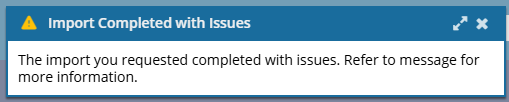
 If you see the following message, read Understanding import error messages.
 Inspire either assigns a unique ID to all elements that don't have one, or only to supported elements. This is configured by your administrator. After importing content, you may or may not have generated element IDs. An administrator can configure an element to never be assigned an ID. You can verify if elements in the imported content have an ID by opening them in the Oxygen editor.
For example, if a Ditabase component is created or imported into Inspire, normally an ID is automatically added to the root level
<Dita>. For Ditabase, this ID makes the component invalid when opened in the XML editor because ID is not allowed on a Dita component.If an element is configured to not use IDs:
- When content is imported, no ID is generated
- In the Oxygen editor, no ID is generated when the Generate IDs or Save and Submit options are used
- This behavior is enforced even if the AutomaticIds option is turned on
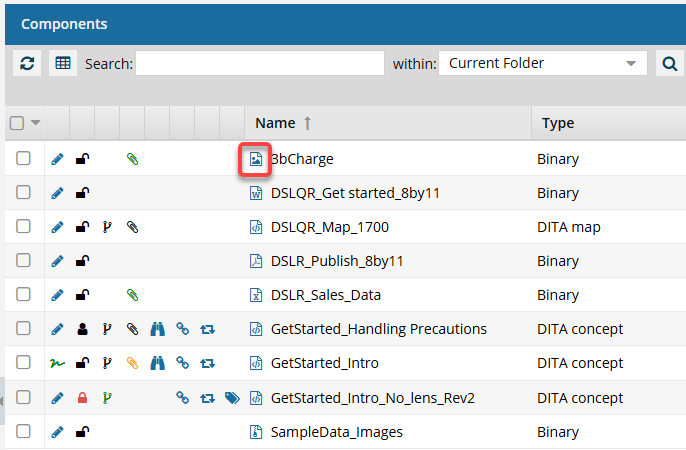
You can tell that a component is an image by looking for the  image File Type icon in the Components browser and other screens that list components.