You can view detailed information for a project from the Project Management tab.

To view details for a project:
-
Click
 Projects.
-
On the Project Management tab, select the project.
-
Right-click the project's row and select Details...
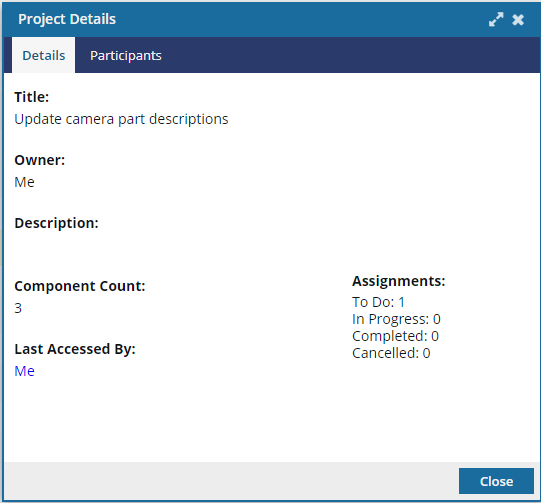
The Project Details dialog includes the following information:
- Title — the project title
- Owner — the name of the project owner
- Description — an optional description for the project
- Component Count — the number of components in the project
- Last Accessed By — the name of the user that last accessed the project
- Assignments — the number of assignments that are in To Do, In Progress, Completed, or Cancelled states.
-
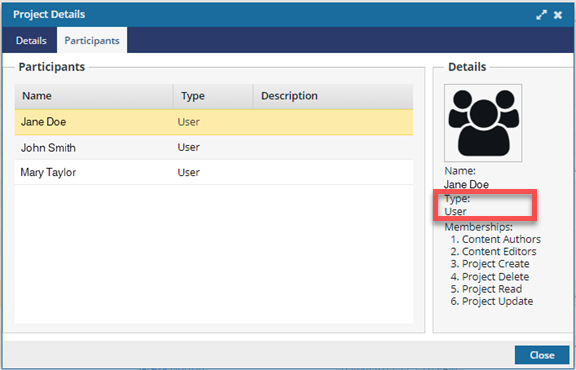
To see who is working on this project, click the Participants tab.

You can now see the user's Type displayed correctly.
-
To close the Project Details screen, click Close.