Go to a review from the workflow pane
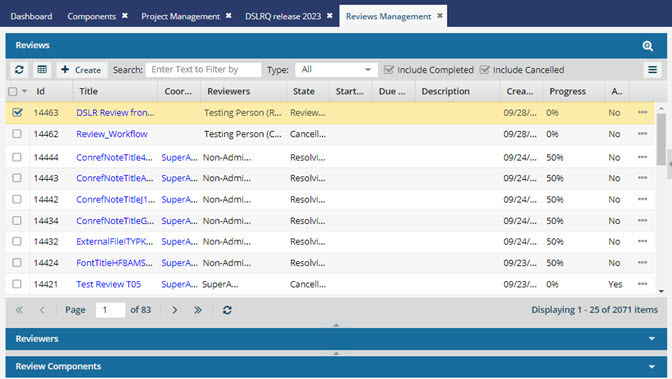
After you open a project, you can go to the workflow pane, and for any review workflow use the Options menu to open the Reviews Management tab and see the review highlighted.
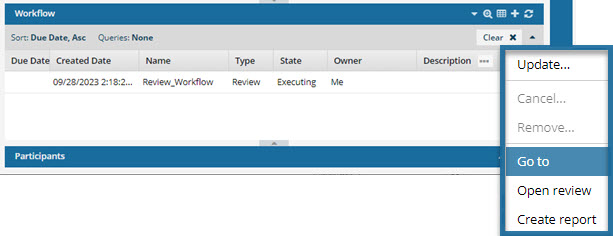

To go to a review from the workflow pane:
-
Select
 the Options menu, and then select Go to.
 Results: The Reviews Management tab opens and the review is highlighted for you.