See approval signatures
Any previously attached e-signature for approval remains part of the component's history even after you Unapprove a component.
-
You can see the e-signature details in the two new columns: eSigned Bye, and eSigned Date.
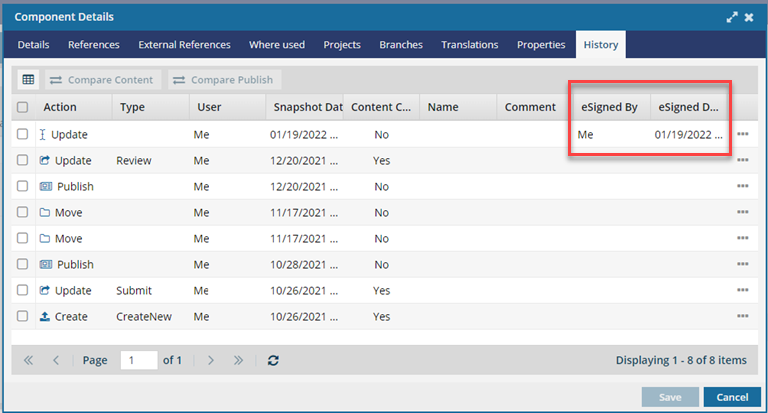
Any previously attached e-signature for approval remains part of the component's history even after you Unapprove a component.