Search the project list
To find a specific project, you can do a basic search to filter the list and see only ones that include your search word or phrase.
 Tips and tricks
 By default, completed project aren't included in the search results, but you can add them back in by selecting the Include Completed option.
 You can't search for a project using values in any of the following columns:
- ID
- Created Date
- Due Date
- Completed by Date
- Component Count
- To Do Assignments
- In Progress Assignments
- Completed Assignments
- Cancelled Assignments
You can show and hide columns by clicking  the down arrow next to a column name and selecting Columns.

To search for projects:
-
Click
 Projects.
-
On the Project Management tab, if you want to include projects in your results that have a State of Completed, select Include Completed.

-
Click Search
 .
To Clear the search criteria and refresh list, in Search, click
.
To Clear the search criteria and refresh list, in Search, click  clear.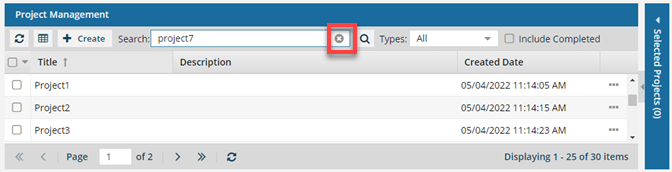
-
Optionally, to save the list of projects that match the search as a CSV file, click
 Save as CSV.